Animation Mode
Enhance the clarity of dark areas without overexposing bright regions.




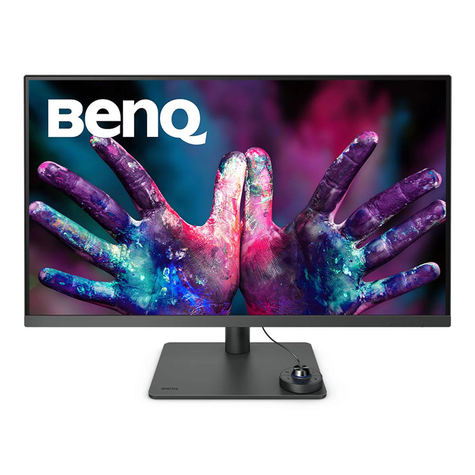
BenQ
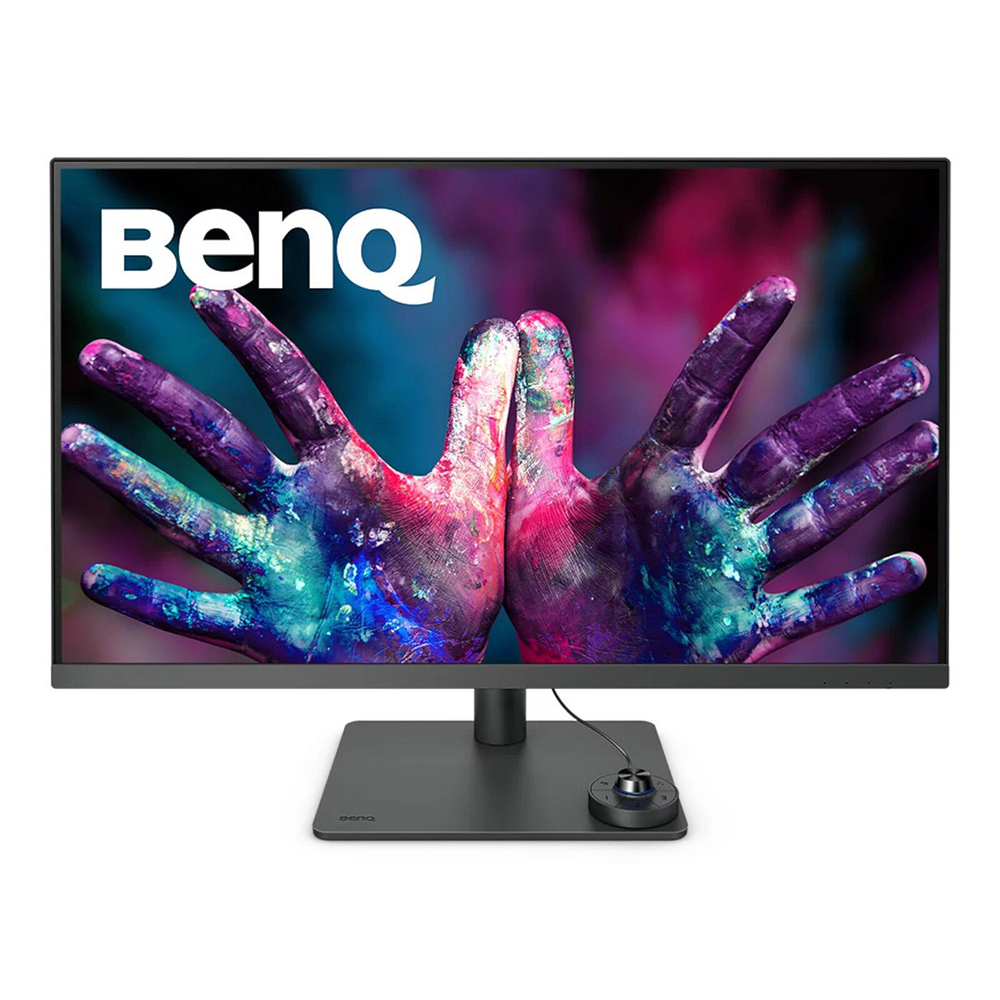
BenQ empowers creative professionals with AQCOLOR technology to help inspire ideas and make projects come to life.
PD3205U covers 99% sRGB and 99% Rec.709 color spaces with amazing Delta E ≤ 3 ensures superb accuracy and absolute color confidence.
BenQ DesignVue Monitors with factory calibration, designers make full use of color accuracy on a monitor.
ICCsync allows instant color mode adjustment, controlled through BenQ Display Pilot software or the monitor itself.
PD3205U earns Calman Verified. Creative professionals demand excellence, and BenQ delivers.
PD3205U achieves the Pantone and Pantone SkinTone Validated status, appealing to whom appreciate products that realize authenticity in the display of real-world colors.
Go digital with BenQ, the first brand to work with Pantone on a mobile app. As an existing owner or a new purchaser of BenQ professional monitors, you get one year of free Pantone Connect Premium for digitally mobile color consistency and accuracy.
Delivering corner-to-corner authentic colors and consistent luminescence. The display is divided into hundreds of sub-regions and rigorously fine-tuned for precision. This innovative tech assures ultra-dependable image fidelity.
HDR10 gets better results more efficiently, letting you preview HDR effects in video while editing.


KVM Switch
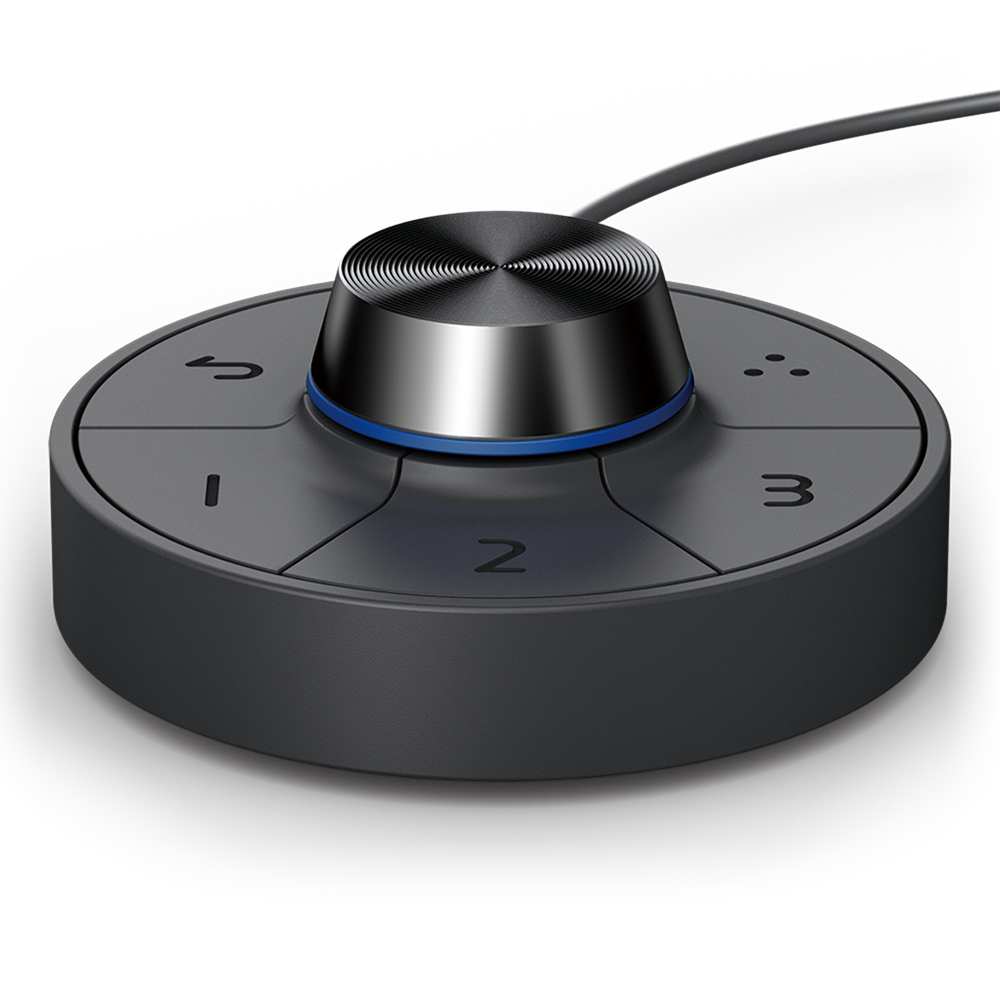
KVM switch design auto-pairs with input signals. Click once to switch systems via Hotkey Puck G2 to boost efficiency.

USB-C
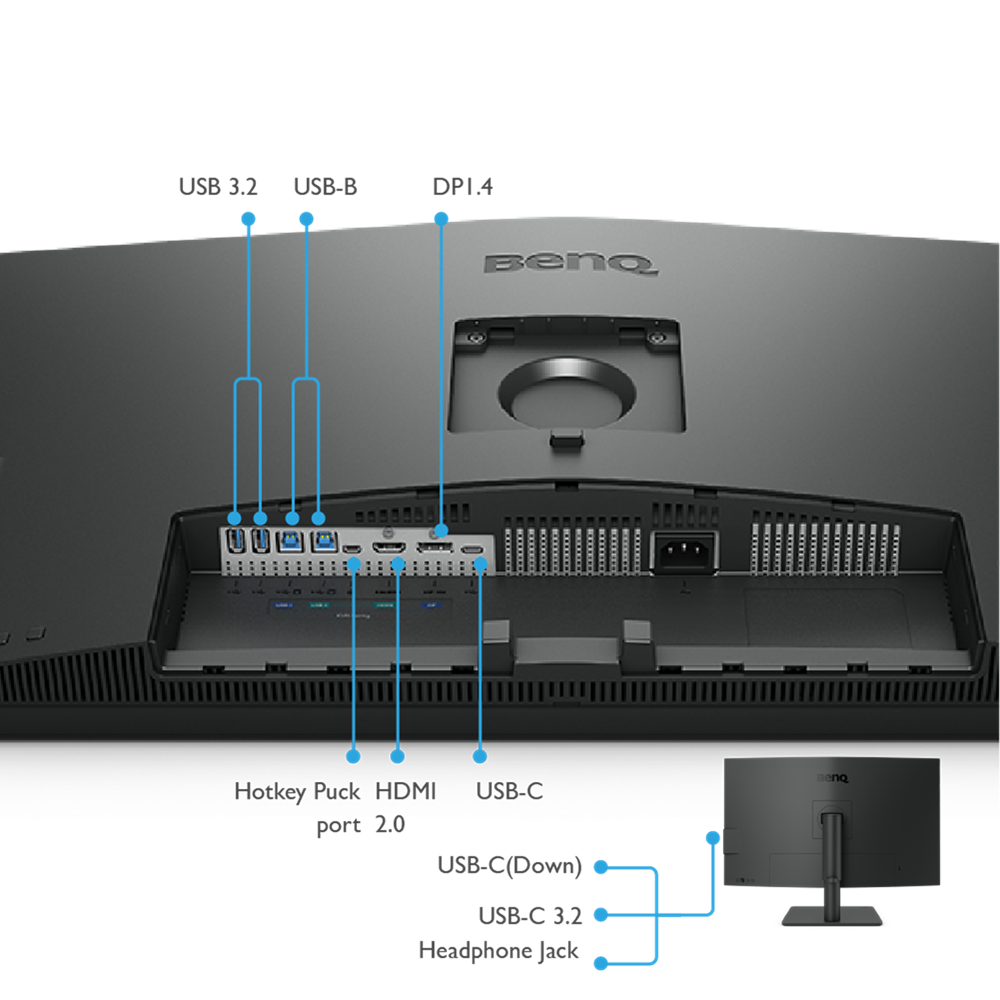
The USB-C port provides lightning-fast video/audio/data transmission and 90W power delivery.

PIP / PBP
Go split screen. Picture In Picture (PIP) and Picture By Picture (PBP) let you customize your work flow.

Ergonomic Design
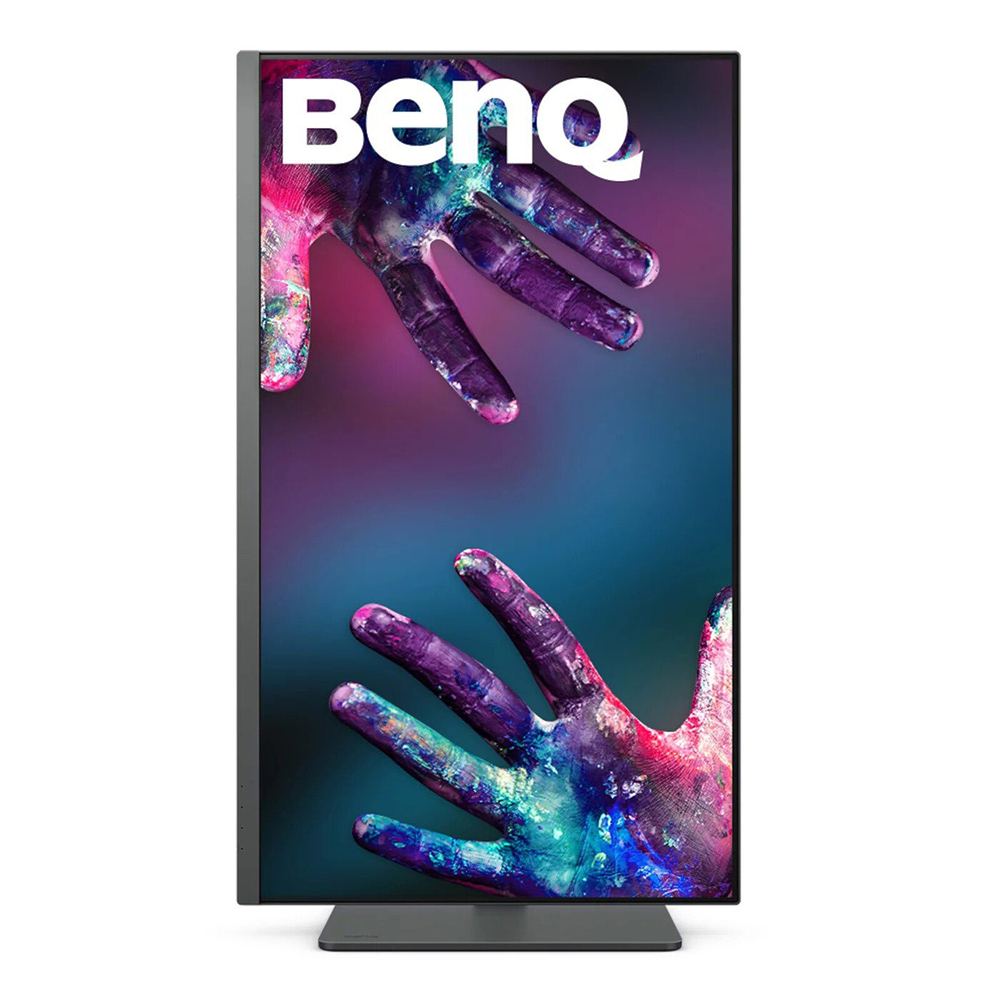
Create in comfort with your monitor in the ideal position.

Hotkey Puck G2
Hotkey Puck G2 makes navigating screen settings and functions a breeze.

Display Pilot
Display Pilot software lets you access designer-friendly features for ease and efficiency. *Apple M1 platform supported
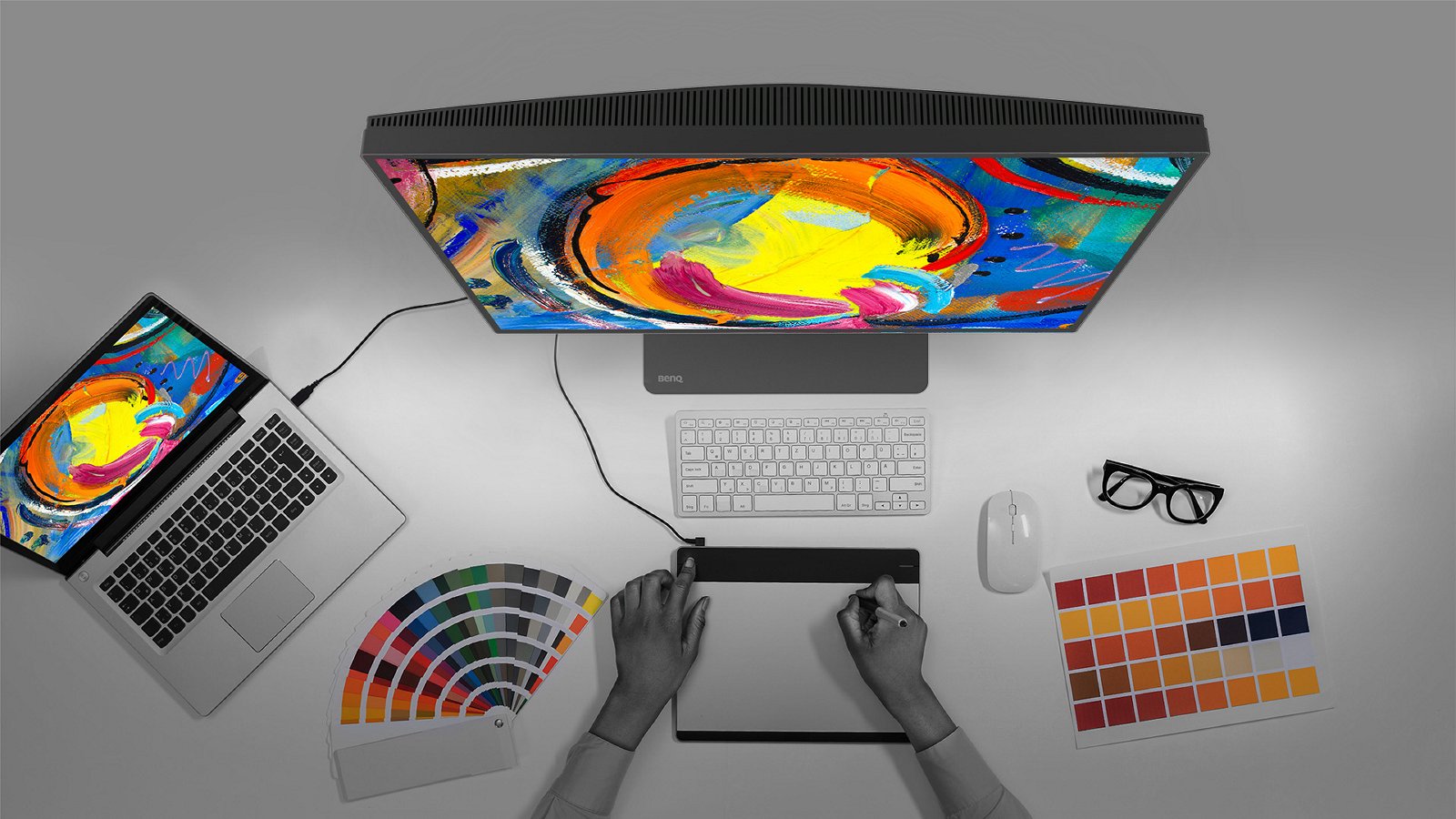
Showcase designs in two modes side-by-side for improved workflow and enhanced productivity.

Enjoy superior contrast of lines and shapes in technical illustrations.


Adjust image brightness and contrast for work in dark environments.

BenQ الحجم: 31.5 بوصة نوع اللوحة: IPS الدقة: 3840×2160 معدل التحديث (الحد الأقصى): 60Hz / زمن الاستجابة (GtG): 5 مللي ثانية يدعم التثبيت على الحائط / مكبرات صوت مدمجة / إمالة / حماية العين / دوران (Pivot) / معتمد من Pantone Thunderbolt 4 (يدعم الشحن حتى 90W، وضع DisplayPort Alt Mode، نقل البيانات) طبقة شاشة Nano Matte / يدعم Solidworks / معتمد من Calman

BenQ
BenQ empowers creative professionals with AQCOLOR technology to help inspire ideas and make projects come to life.
PD3205U covers 99% sRGB and 99% Rec.709 color spaces with amazing Delta E ≤ 3 ensures superb accuracy and absolute color confidence.
BenQ DesignVue Monitors with factory calibration, designers make full use of color accuracy on a monitor.
ICCsync allows instant color mode adjustment, controlled through BenQ Display Pilot software or the monitor itself.
PD3205U earns Calman Verified. Creative professionals demand excellence, and BenQ delivers.
PD3205U achieves the Pantone and Pantone SkinTone Validated status, appealing to whom appreciate products that realize authenticity in the display of real-world colors.
Go digital with BenQ, the first brand to work with Pantone on a mobile app. As an existing owner or a new purchaser of BenQ professional monitors, you get one year of free Pantone Connect Premium for digitally mobile color consistency and accuracy.
Delivering corner-to-corner authentic colors and consistent luminescence. The display is divided into hundreds of sub-regions and rigorously fine-tuned for precision. This innovative tech assures ultra-dependable image fidelity.
HDR10 gets better results more efficiently, letting you preview HDR effects in video while editing.
KVM Switch
KVM switch design auto-pairs with input signals. Click once to switch systems via Hotkey Puck G2 to boost efficiency.
USB-C
The USB-C port provides lightning-fast video/audio/data transmission and 90W power delivery.
PIP / PBP
Go split screen. Picture In Picture (PIP) and Picture By Picture (PBP) let you customize your work flow.
Ergonomic Design
Create in comfort with your monitor in the ideal position.
Hotkey Puck G2
Hotkey Puck G2 makes navigating screen settings and functions a breeze.
Display Pilot
Display Pilot software lets you access designer-friendly features for ease and efficiency. *Apple M1 platform supported
Showcase designs in two modes side-by-side for improved workflow and enhanced productivity.
Enjoy superior contrast of lines and shapes in technical illustrations.
Adjust image brightness and contrast for work in dark environments.
MSI RTX 3070 GAMING TRIO X
معالج AMD Ryzen 5 9600X للألعاب بمقبس AM5
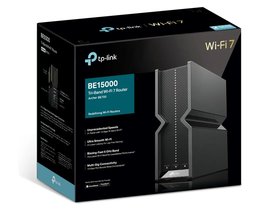
تي بي لينك Archer BE700 BE15000 – راوتر Wi-Fi 7 ثلاثي النطاقات، بسرعة 2.5 جيجابت/10 جيجابت
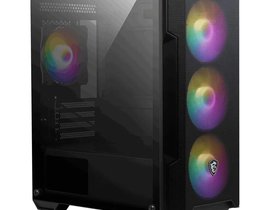
إم إس آي MAG FORGE M100A – صندوق حاسوب Micro ATX، أسود، مزود بـ 4 مراوح
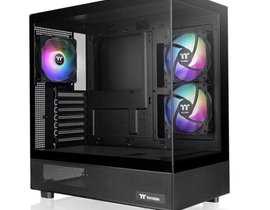
ثيرمالتيك View 270 TG ARGB – صندوق حاسوب متوسط الحجم (Mid Tower) أسود، مزود بـ 3 مراوح
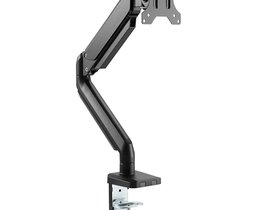
توستد مايندز TM26C06 – حامل مكتبي لشاشة واحدة مقاس 17 إلى 32 بوصة، مناسب للشاشات المسطحة والمنحنية
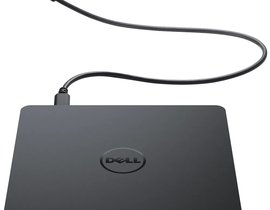
ديل DW316 – ناسخ ومحرك أقراص DVD±R/W خارجي محمول عبر USB
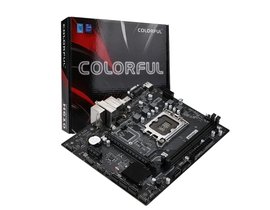
كولرفول BATTLE-AX H610M-P WIFI D5 V20 – لوحة أم (Motherboard)
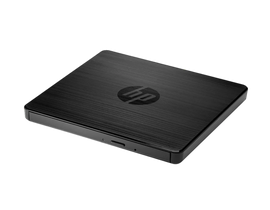
إتش بي F2B56AA – ناسخ ومحرك أقراص DVD خارجي محمول USB (DVD-RW)
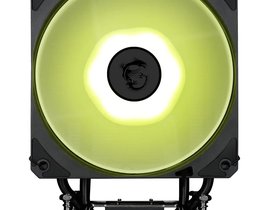
إم إس آي MAG COREFROZR AA13 الأسود – مبرد هوائي للمعالج (CPU)