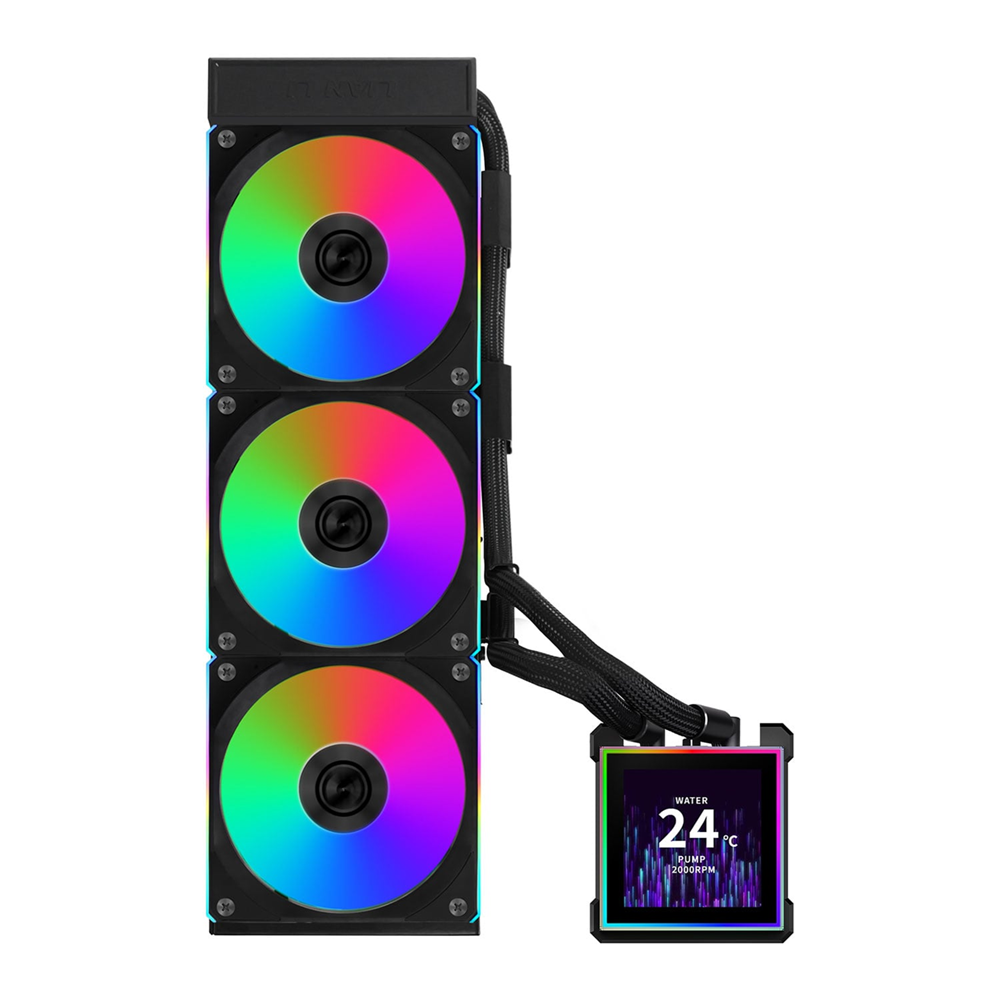
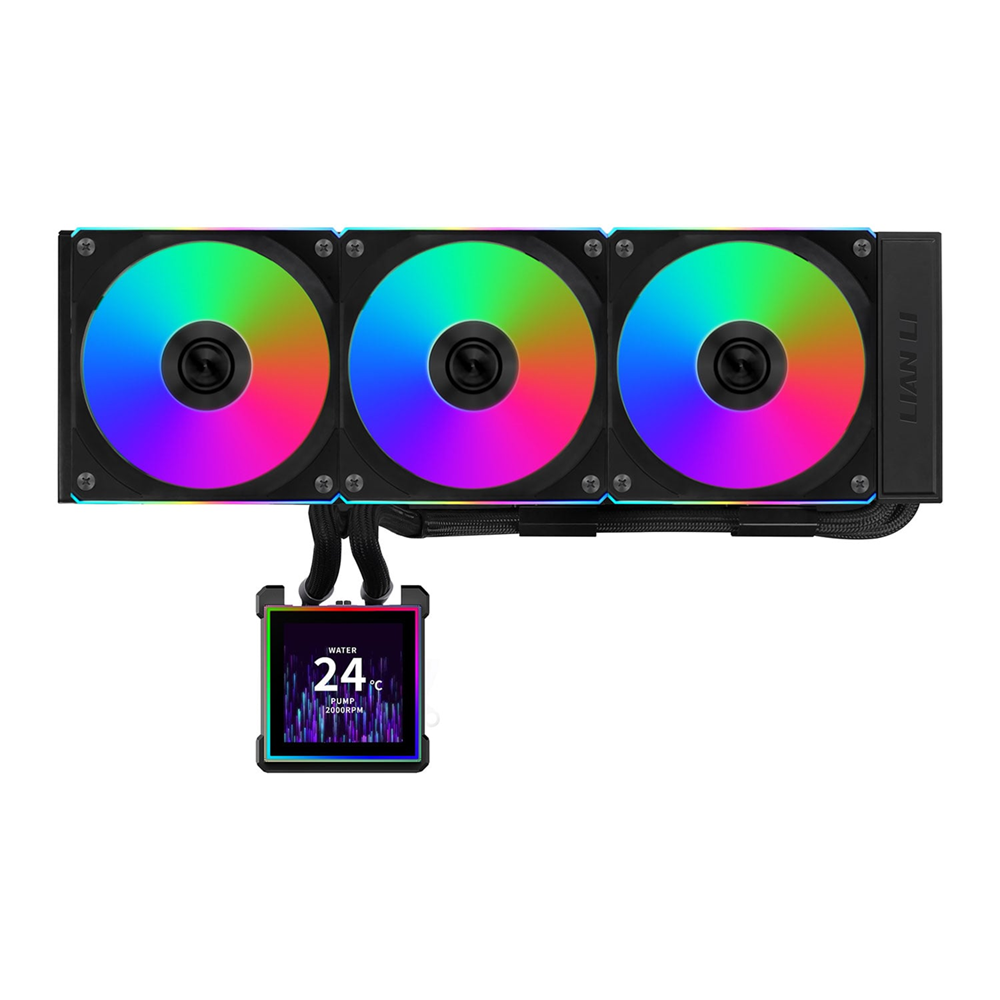
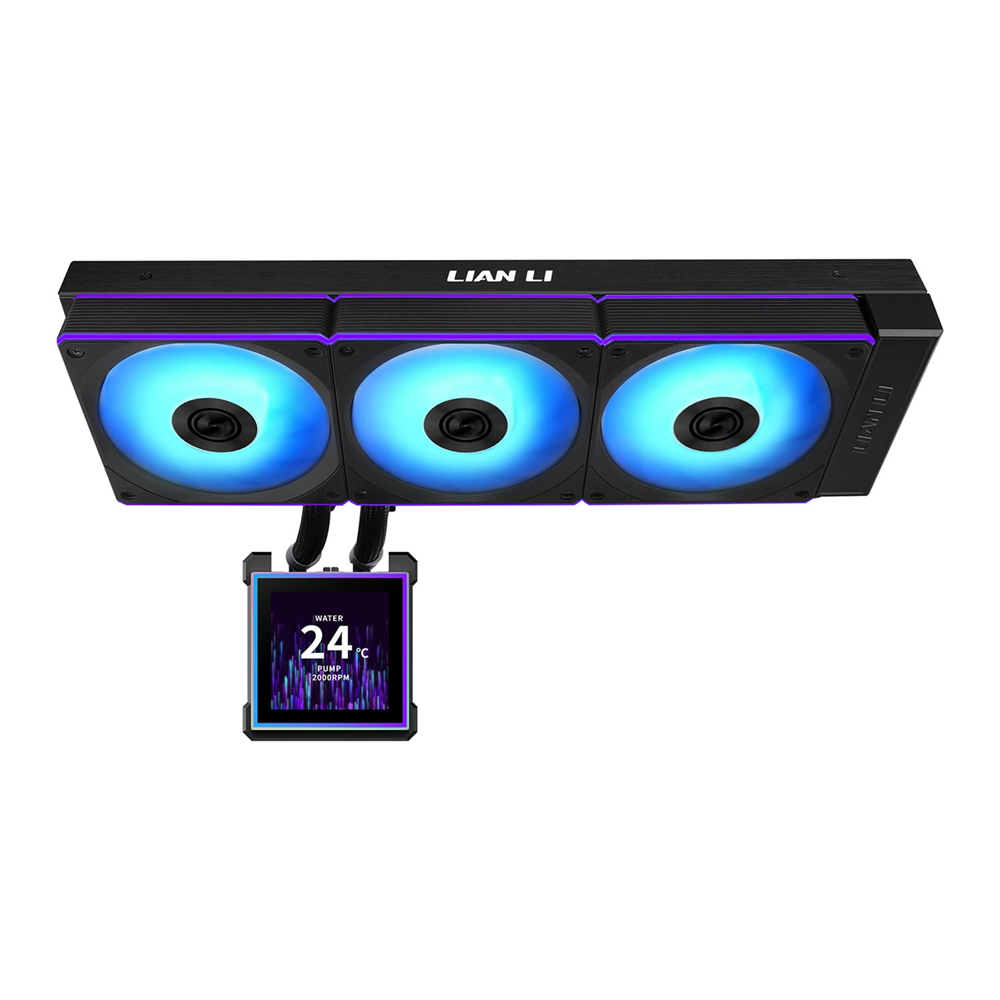
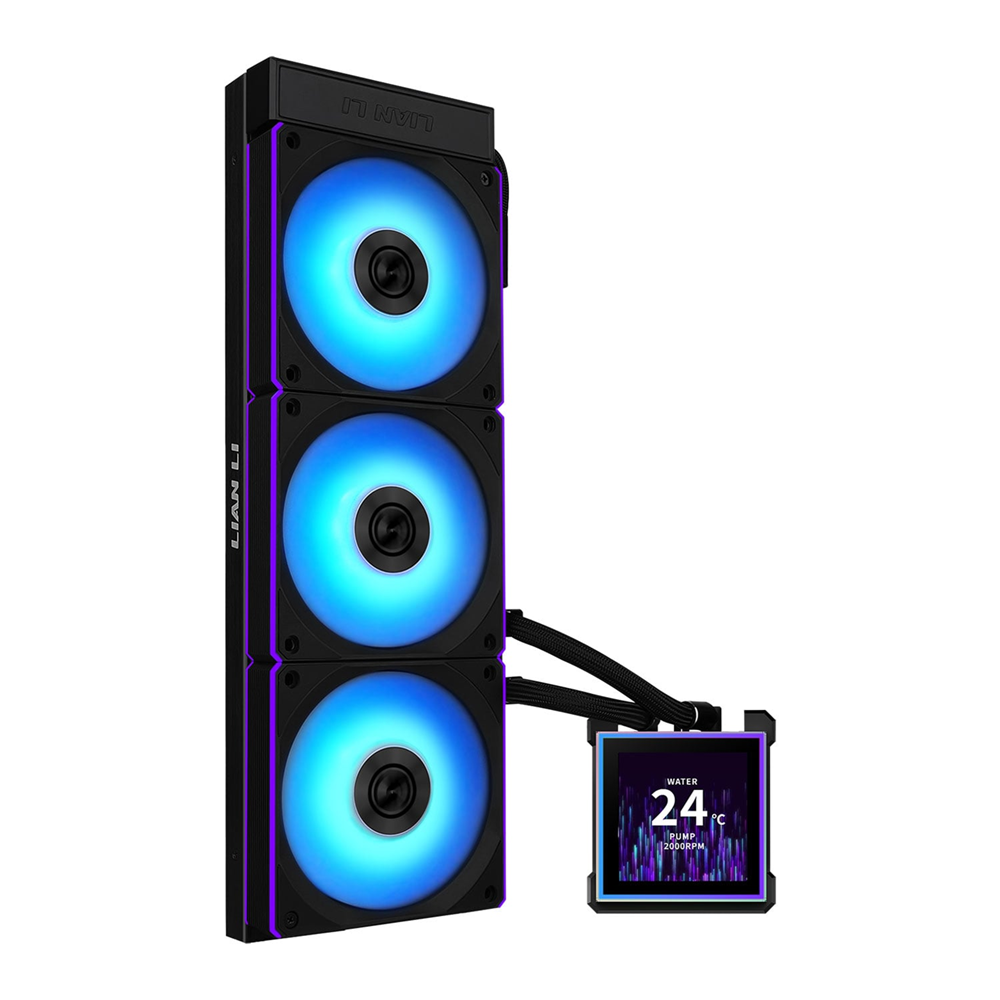
مبرد مائي Lian Li HydroShift II LCD-S 360 TL AIO (أسود) مع رادياتير 360 مم وشاشة 3.4 بوصة

250.17 USD

حالة السلعة : جديد

حدد السمات لاختيار منتج معين لشرائه. قد يتغير السعر والمخزون حسب السمات.

  • 2 available
    • Color

Lian Li Intel: LGA1700 LGA1851 AMD: AM5 / AM4

  • يباع من pcstore تصفح المنتجات الأخرى
  • SKUsku_25_8180
  • الشحنالتوصيل العادي,
  • توصيل يختلف بالنسبة للمنتجات المشحونة من دولة أخرى
    التسليم في غضون 4 أيام عمل
  • الدولةالكويت
  • أيام الارجاع0 يوم

تفاصيل

Lian Li

  • Compact 360mm radiator (400 × 122 × 24 mm) with a slimmer profile for broader case compatibility and easier installation.
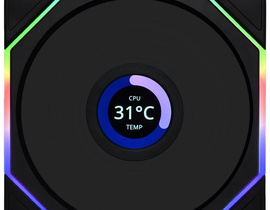
  • 3.4” IPS LCD display (480×480, 500 nits, 60 Hz) delivering sharp visuals, smooth animations, and real-time system monitoring.
  • Magnetic hot-swap LCD mount for easy installation/removal without powering off the system.
  • Upgraded high-performance pump, reaching up to 3200 RPM with reduced noise and enhanced cooling efficiency.
  • Side-mounted tubing with fully concealed wiring for an ultra-clean, cable-free aesthetic along the radiator edge.
  • Three control modes via L-Connect 3: Offline, Wireless, USB Streaming (with media uploads and customizable widgets).
  • Supports UNI FAN TL / CL Wireless ecosystems and integrates seamlessly with wireless lighting sync.
  • USB power and data lines embedded inside the tubing, eliminating visible front-side cables for a refined minimalist build.
 
HS2 S 001a
 
HS2 ic 01

Improved Performance

HS2 S ic 01

3.4″ IPS 60 Hz LCD Screen

HS2 ic 03

Three Control Modes

HS2 ic 04

Improved Compatibility

HS2 ic 05

Three Models

HS2 S ic 02

Side-mounted tubing layout

HS2 ic 07 1

Hidden cable routing

HS2 ic 08 1

6-Year Warranty


THREE MODELS, TWO COLORS

The new HydroShift II LCD-S AIO is available in three models and two color options in black and white, allowing builders to freely customize both aesthetics and performance for an enjoyable DIY experience.

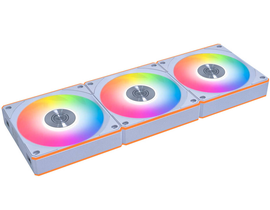
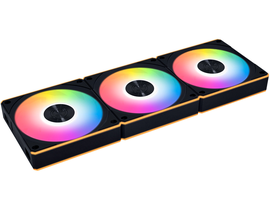
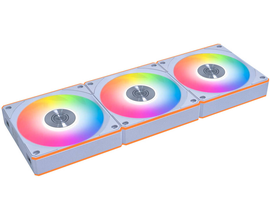
1. UNI FAN TL Wireless

Pre-installed with UNI FAN TL Wireless, this flagship option pairs standout style with formidable thermal performance.


HS2 S 002
HS2 S 003

Note: Only this configuration includes the L-Wireless controller.


2. UNI FAN CL Wireless

This model is equipped with UNI FAN CL Wireless for high-efficiency airflow. Integrated RGB illumination shines through, and both the light strips and fan blades support independent effect control.

HS2 S 004
HS2 S 005
 

3. FANLESS EDITION

The HydroShift II LCD-S also comes in a fanless version, giving users the freedom to customize and install their own fans according to personal preference—perfect for those who love full DIY flexibility and visual creativity.

HS2 S 006
HS2 S 007

Note: The fanless edition requires compatible fans for proper operation.


DYNAMIC INTERACTION, COMPLETE CONTROL

Enjoy a vivid, high-definition visual experience with a 480 × 480 resolution display boasting 500 nits of peak brightness. Even under bright lighting, every animation and metric remains crystal clear. The 60 Hz refresh rate ensures smooth, tear-free visuals for a fluid real-time monitoring experience.

 
HS2 S ic 3

3.4″ IPS Display

HS2 S ic 4

500 nits Brightness, 24-bit Color

HS2 S ic 5

60 Hz Refresh Rate


HS2 S 008


MAGNETIC HOT-SWAP DISPLAY

Featuring magnetically aligned pogo-pin connectors, the screen securely snaps into place without powering down, allowing for fast installation or removal. Precise magnetic alignment ensures a safe, reliable connection, letting users conveniently attach the display after system assembly to avoid accidental damage.

HS2 S 009a
 

PUMP PERFORMANCE UPGRADED

Experience the next level of cooling with our enhanced pump, now reaching speeds of up to 3200 RPM. the enhanced pump delivers more power with less noise. A hidden frame and skirted cover ensure a clean, streamlined look.

HS2 S 010

TEMPERATURE TEST

Test Setup
• Chassis: LANCOOL 207 (with default fans)
• CPU: Intel® i9-14900K
• Fans: UNI FAN TL Wireless (2600 RPM)
• Pump Speed: Full speed

HS2 S 011
 

The HydroShift II LCD-C performs similarly to the first-generation HydroShift,
while the HydroShift II Square shows a clear improvement in thermal efficiency.
With a more compact design and finer radiator fins, HydroShift II delivers lower noise and better cooling performance, achieving superior compatibility without compromising power.


MINIMALIST AESTHETICS,MAXIMUM FREEDOM

Innovative side-mounted tubing runs cleanly along the radiator edge, reducing visual clutter. Cables are discreetly integrated within the sleeved tubing, delivering a seamless, cable-free look for an ultra-clean, minimalist build.

HS2 S 012b
 
HS2 S 013a

USB power and data cables are integrated directly into the tubing, removing visible wires from the front and delivering a cleaner, more refined interior.


Pre-installed triple tube clips keep the tubing secured along the radiator edge, ensuring clean routing and a tidier case layout.

HS2 S 014

Note: The screws are pre-tightened before shipping.
If adjustment of the support bracket is required, slightly loosen the positioning screws before making any adjustments.


CONSTANT INNOVATION, CORE UNCHANGED

The compact radiator has been refined to 400 × 122 × 24 mm, reducing thickness, length, and width while maintaining 90% compatibility with mainstream cases.
Its smaller footprint eases installation across various builds, delivering efficient heat dissipation in a sleek, space-saving design.

HS2 S 015 1
 

REDESIGNED MOUNTING BRACKET

The CPU liquid cooler features a redesigned mounting system for easier, faster, and more secure installation, offering better stability and user-friendly setup.

HS2 S 016

BROAD COMPATIBILITY,SEAMLESS SUPPORT

The HydroShift II LCD-S AIO offers easy installation and broad CPU socket compatibility, featuring an upgraded AM4/AM5 bracket that ensures even pressure and improved thermal performance.

 
HS2 S 017
HS2 S 018

Compatible Platforms

 
HS2 S 019

Compatible Platforms


Note: HydroShift II LCD-S interferes with the ROG MAXIMUS Z890 EXTREME and ROG MAXIMUS Z890 HERO motherboards. Please verify installation space before mounting.


INTUITIVE CONTROL,COMPLETE CUSTOMIZATION

The L-Connect 3 software offers fast theme switching and layout customization with integrated hardware monitoring.
Easily capture screenshots or record videos using built-in editing tools, and enhance your display with 3D effects, sensor-based visuals, overlays, and watermarks. All designed for a personalized, immersive experience.

HS2 S 020
 

THREE MODES, MULTIPLE EXPERIENCES

1. Offline Mode (No USB Connection)
Operates with preset themes to monitor coolant temperature and pump speed. No cables, no system resources required.

HS2 S 021a

Note: Lighting theme and effects cannot be changed while in offline mode.

2. Wireless Mode
(L-Wireless Controller Connection, no USB connection)
Connect through the L-Wireless 2.4G Controller to customize screen themes, parameters, and lighting effects via L-Connect. Wireless Mode also allows for lighting synchronization with other wireless products, including CL Wireless and TL Wireless, while keeping your motherboard’s USB 9P ports free for other devices. Enjoy a cleaner setup with reduced cable clutter and minimal system load.

HS2 S 022
HS2 S 023
 

Advanced Wireless Mode:
Combines Streaming and Wireless modes to deliver the best performance and flexibility. With both the L-Wireless Controller and a USB connection to the motherboard, lighting, pump, and fan controls remain wireless, while the USB link enables full LCD customization.

HS2 S 024

Click the Advanced Mode button in the wireless utility to instantly activate advanced mode.

HS2 S 025

Once in Advanced Mode, you can directly adjust the cooler’s lighting and themes within the wireless utility interface.


3. Streaming Mode (USB Connection)
Connect via USB to gain full control through L-Connect 3. Easily switch screen themes, upload custom images, or design personalized layouts, turning the display into a dynamic secondary screen that enhances both functionality and visual appeal.

 
HS2 S ic 6

Secondary Display Support

HS2 S ic 7

Upload Images or Videos

HS2 S ic 8

Customizable Widgets

 
HS2 S 026
 

Users can unplug the USB 2.0 cable when switching to wireless or cable-free mode, depending on their setup preferences.

(To connect USB 2.0, first remove the decorative cover. When unplugging, press the connector latch to release.)

HS2 m 29

The cover can be removed from the right side of the radiator for easy access.

HS2 m 30
HS2 m 31

PWM Power Cable
If the motherboard cannot read the pump’s RPM, it’s recommended to connect the 4-pin PWM header to a SATA power adapter for a more stable power supply.
The 2-pin connector functions independently and does not require an additional power connection.

HS2 m 32

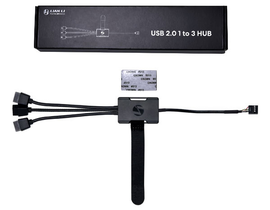
USB 2.0 Cable
Used for Streaming Mode and Advanced Wireless Mode to transfer media files such as JPG and MP4.
(Standard Wireless Mode only supports JPG uploads.)


PRECISION FIT,EFFORTLESS INSTALLATION

The removable sliding tube mount enables precise tubing alignment with 140 mm fan brackets.
This optimized layout enhances cable management and thermal organization, delivering a clean, minimalist aesthetic.

HS2 S 027a

Note: Users can slightly adjust the rightmost tube bracket position when mounting on a 140 mm radiator support for optimal alignment.

FLEXIBLE LAYOUT,UNLIMITED COMPATIBILITY

For hidden-tube installations, the top mounting area of the case should measure at least 280 × 400 mm.
You can easily adjust or remove the tube bracket (recommended clearance > 55 mm) to fit a wide range of case configurations across different usage scenarios.

When installing in larger cases :
With tighter space between the radiator bracket and motherboard, slight adjustments to the bracket position may be required (e.g., O11 Vision Compact).


In such cases, simply use a hand screw to fine-tune the radiator bracket alignment at the 140 mm mount position for optimal fit.

HS2 S 028
HS2 S 029
 

For Compact Cases with Limited Space :
When space between the radiator bracket and motherboard is tight (e.g., Lancool 216), adjust the tube bracket position accordingly.

In this setup, align the bracket directly behind the CPU and route excess tubing behind the radiator. If necessary, the leftmost tube bracket can be removed for a better fit.

Note: This configuration does not support the use of the tube support bracket.

HS2 S 030
 

For Small Form Factor Cases :
When space between the radiator bracket and motherboard is extremely limited (e.g., O11D MINI V2), the tube brackets may need to be removed or repositioned.

In this layout, remove the upright bracket and adjust the two tube holders, routing any excess tubing neatly behind the radiator.

Note: This configuration may not support the use of tube support brackets, depending on available clearance.

HS2 S 031
HS2 S 032
 
 
HS2 S 033 1

MOUNTING
BRACKET COVER

Designed to conceal the bracket and mounting screws, this cover refines the cooler’s appearance—completing its clean, minimalist aesthetic.

HS2 S 034 1

CABLE ORGANIZER

Used to neatly align and secure extended tubing, maintaining a clean and balanced exterior appearance.

HS2 S 035 1

INDUSTRIAL-GRADE
CORRUGATED TUBING

Designed with a unique corrugated structure, the tubing offers superior flexibility and kink resistance for hassle-free routing—even in tight layouts.
Its high-tensile durability ensures long-term performance and a consistent flow rate between the radiator and pump.